
AWS
AWS actions use the latest available AWS CLI at the time of OpenOps installation. The full list of AWS actions is as follows:- Build ARN: Build ARN (Amazon Resource Name) from the given parameters
- Parse ARN: Parse information from a given ARN (Amazon Resource Name)
- Get Price from Price Catalog: Query AWS Pricing API to get the price of a service
- Get Account IDs: Gets the account ids for the accounts under the selected connection
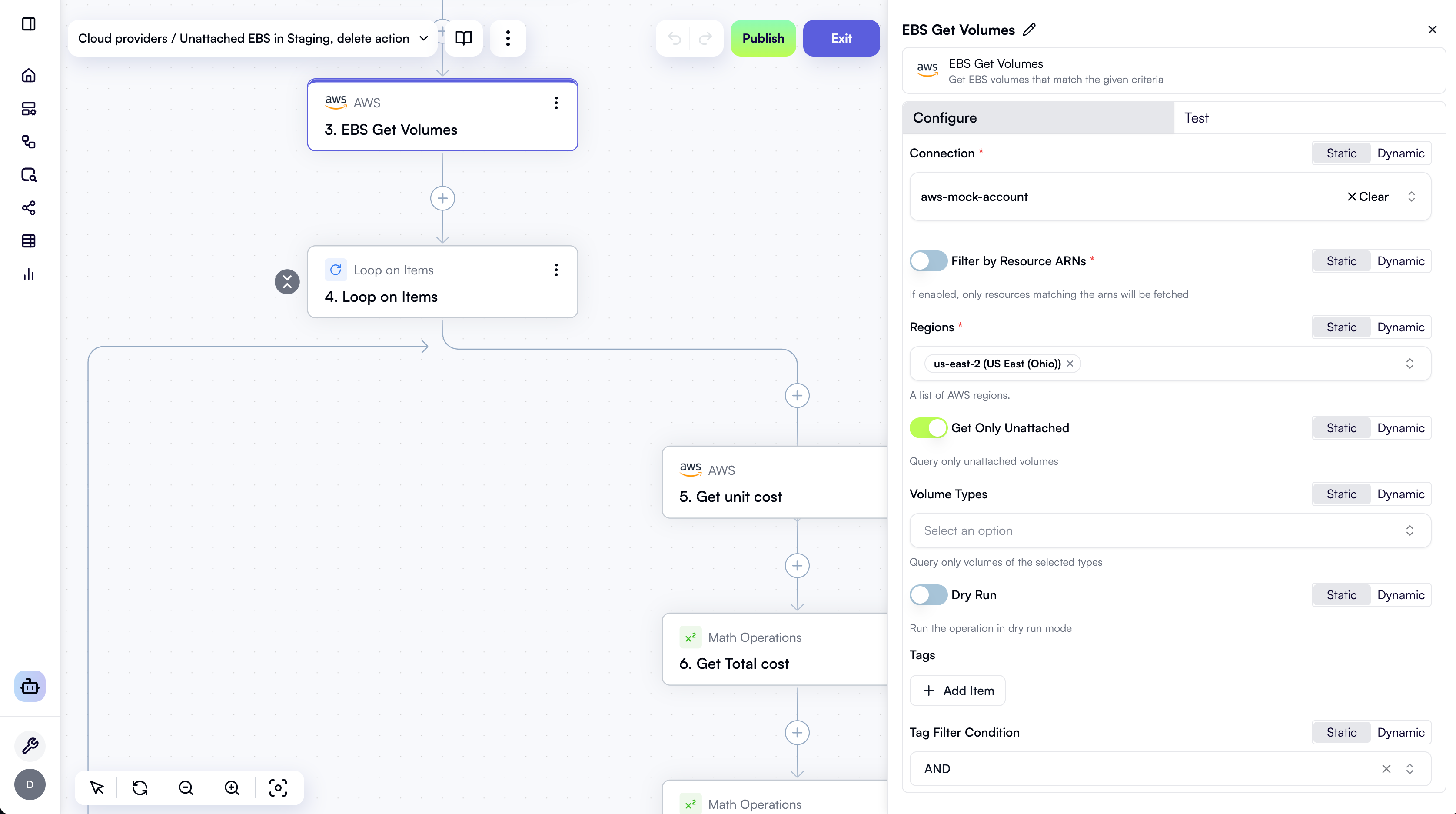
- EBS Get Volumes: Get EBS volumes that match the given criteria
- EBS Modify Volume: Modify the given EBS volume
- EBS Delete Volume: Delete the given EBS Volume
- EBS Get Snapshots: Get EBS snapshots that match the given criteria
- EBS Create Snapshot: Create a snapshot of the provided EBS Volume
- EBS Delete Snapshot: Delete the provided EBS Snapshot
- EC2 Get Instances: EC2 Get Instances that match the given criteria
- EC2 Modify Instance: Modify the given EC2 instance
- EC2 Start Instance: EC2 start a given instance
- EC2 Stop Instance: EC2 stop a given instance
- EC2 Terminate Instances: Terminate the provided EC2 instances
- RDS Get Instances: Get RDS instances that match the given criteria
- RDS Delete Instance: Delete the provided RDS Instance
- RDS Get Snapshots: Get RDS snapshots that match the given criteria
- RDS Create Snapshot: Create a snapshot of the provided RDS instance
- RDS Delete Snapshot: Delete the provided RDS Snapshot
- Tag Resources: Add tags to the given resources
- Generate Runbook Execution Link: Generate an AWS Console link to execute an SSM Automation Runbook
- AWS CLI: Execute AWS CLI command
Azure
Azure actions use Azure CLI version 2.74.0, with the following extensions preinstalled:- reservation
- resource-graph
- costmanagement
- billing-benefits
- quotas
- ssh
- Azure CLI: Execute Azure CLI command
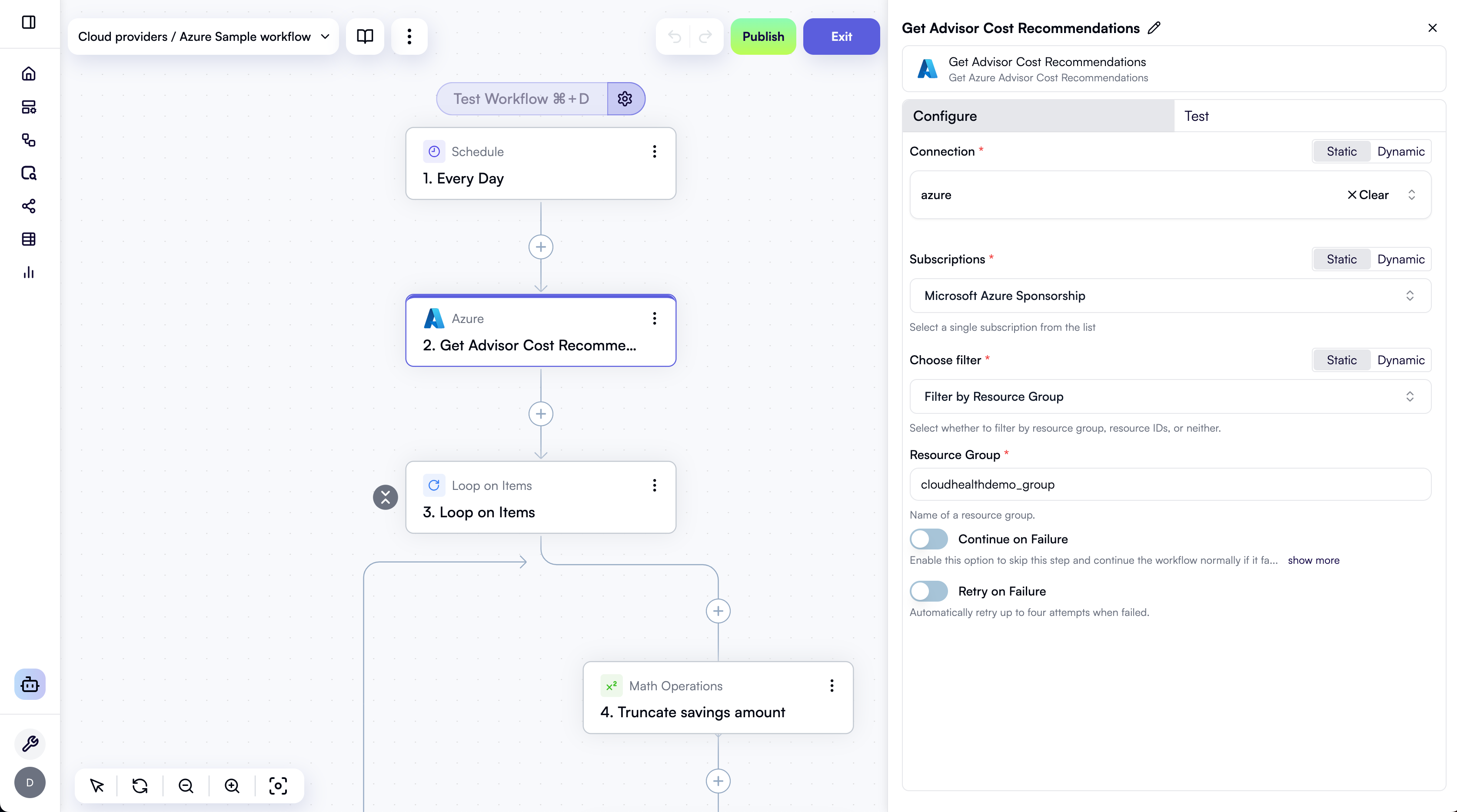
- Get Advisor Cost Recommendations: Get Azure Advisor Cost Recommendations
- Azure Resource Graph Query: Query Azure Resource Graph using KQL to retrieve resources across multiple subscriptions
- Custom Azure API Call: Make a custom REST API call to Azure.
Google Cloud
Google Cloud actions use Google Cloud SDK version 516.0.0, with beta versions of CLI commands enabled. The full list of Google Cloud actions is as follows:- Google Cloud CLI: Execute a Google Cloud CLI command
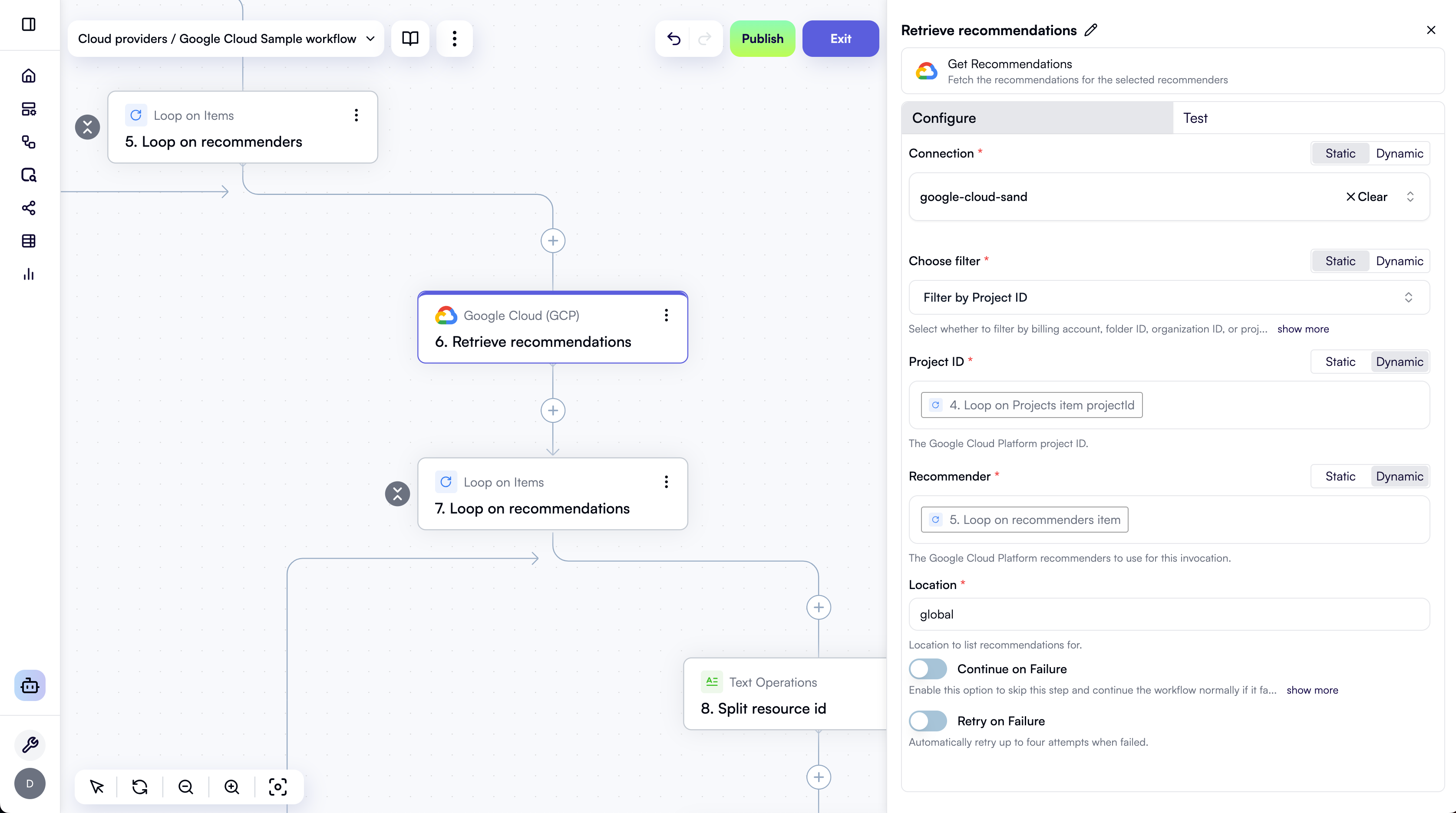
- Get Recommendations: Fetch the recommendations for the selected recommenders
- Run BigQuery SQL Query: Run a SQL query on BigQuery and return the results.
- Custom Google Cloud API Call: Make a custom REST API call to Google Cloud.
- Google Cloud templates
- Setting up Google Cloud connections
- Iterating over multiple Google Cloud projects