> ## Documentation Index
> Fetch the complete documentation index at: https://docs.openops.com/llms.txt
> Use this file to discover all available pages before exploring further.
# SSO Authentication
> How to enable SSO Authentication in your environment
export const NarrowImage = ({src, alt, widthPercent}) => {
const className = `narrow-image-${useId().replace(/:/g, '-')}`;
const widthRule = widthPercent ? `width: ${widthPercent}%;` : '';
return <>
 ;
};
**Single Sign-On (SSO)** is an Enterprise edition feature. See [pricing](https://www.openops.com/pricing/) for details.
Community and Professional editions include a basic authentication system. The Enterprise edition lets you integrate OpenOps platform with your identity provider using SAML or OIDC.
;
};
**Single Sign-On (SSO)** is an Enterprise edition feature. See [pricing](https://www.openops.com/pricing/) for details.
Community and Professional editions include a basic authentication system. The Enterprise edition lets you integrate OpenOps platform with your identity provider using SAML or OIDC.
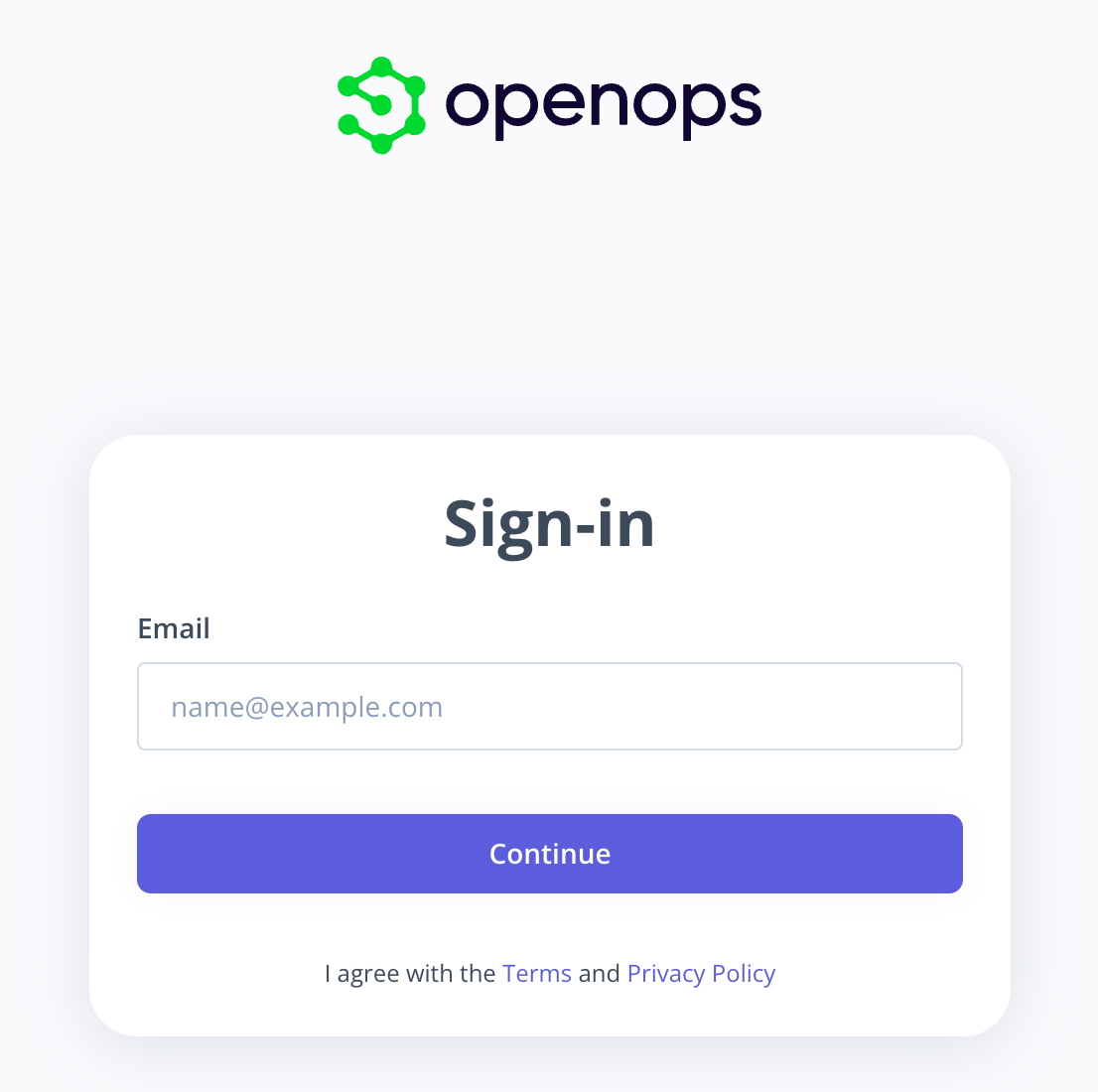 In larger organizations, this enables centralized identity and access management, allowing IT and security teams to enforce authentication policies, manage user access through existing identity providers, and streamline onboarding and offboarding.
## Enable SSO for your environment
OpenOps supports Single Sign-On (SSO) through two authentication methods:
* **SAML**
* **OIDC (OpenID Connect)**
To learn more or to enable SSO for your environment, please contact your OpenOps account manager.
In larger organizations, this enables centralized identity and access management, allowing IT and security teams to enforce authentication policies, manage user access through existing identity providers, and streamline onboarding and offboarding.
## Enable SSO for your environment
OpenOps supports Single Sign-On (SSO) through two authentication methods:
* **SAML**
* **OIDC (OpenID Connect)**
To learn more or to enable SSO for your environment, please contact your OpenOps account manager.